
Open source · early
It learns your data. And it doesn't forget.
A copilot for data scientists. portia understands what your data sources are, keeps what it learns, and builds the pipeline with you.
Data has no value without context. portia builds yours.
Inside the app
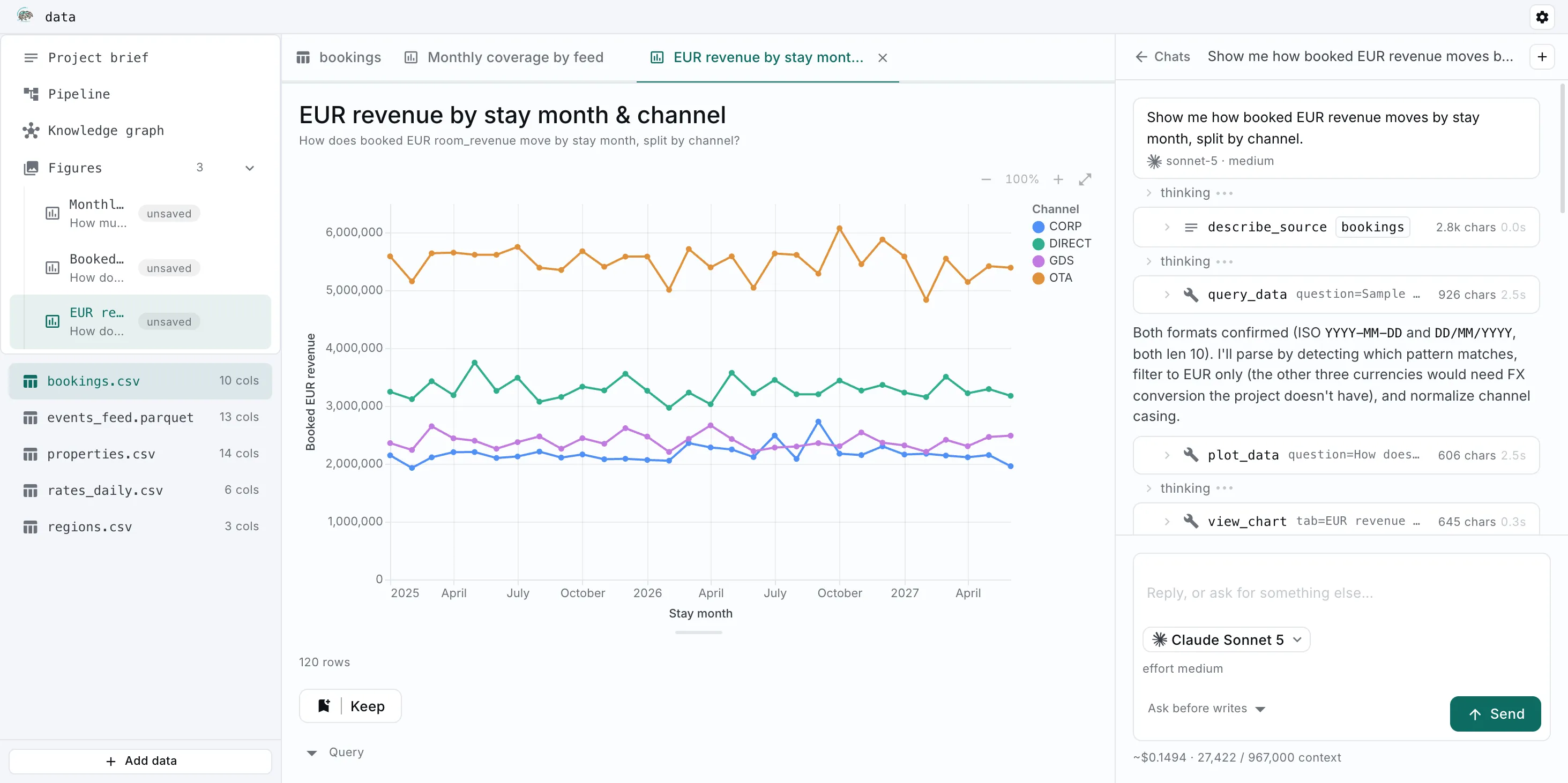
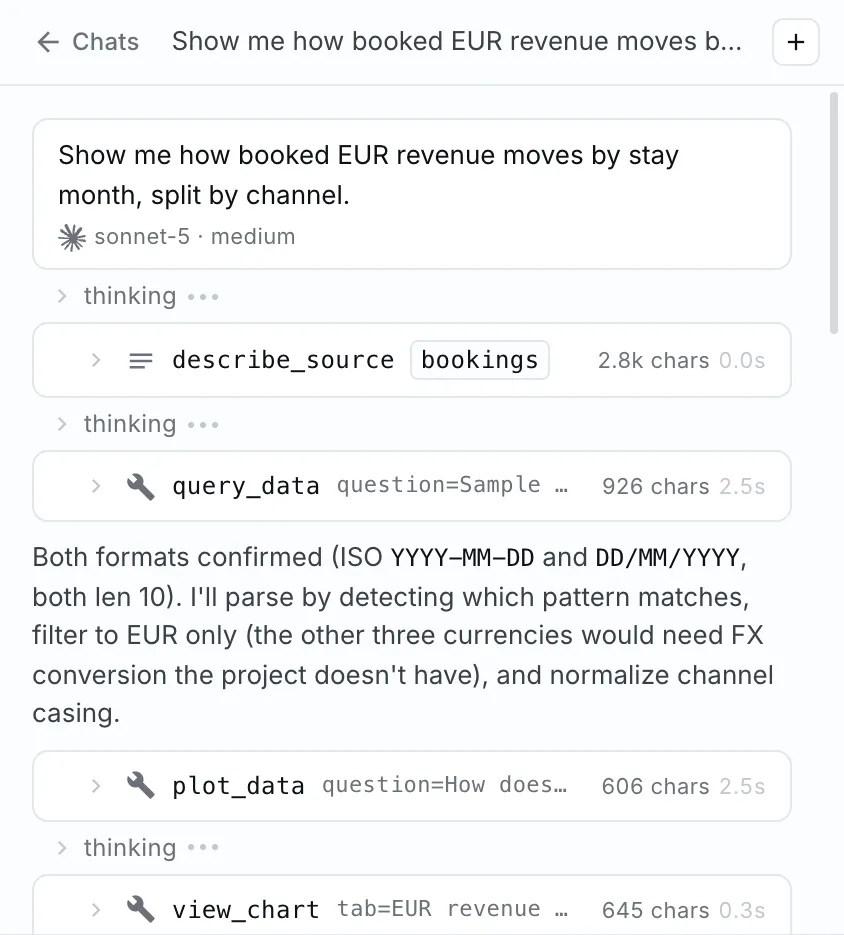
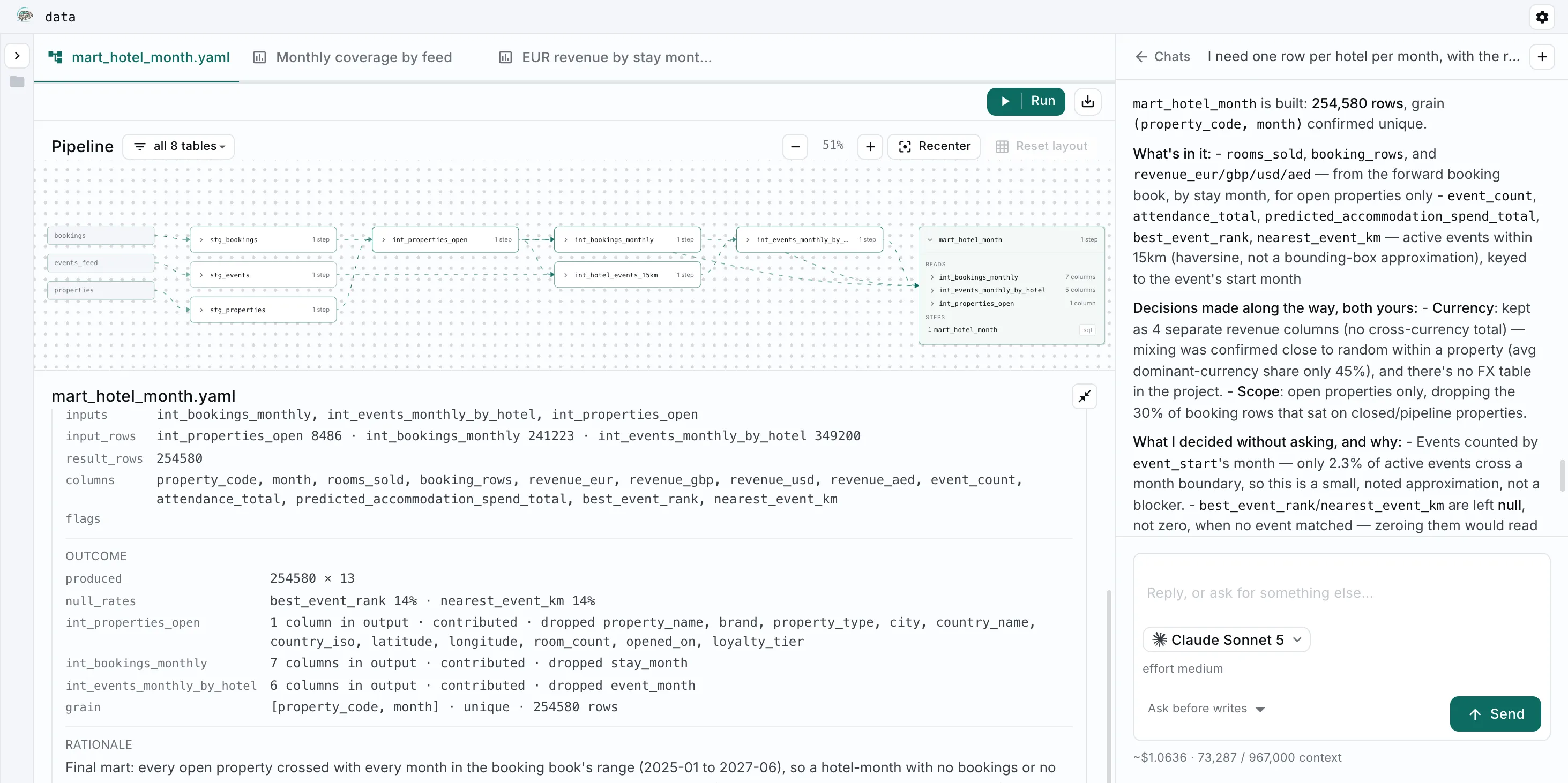
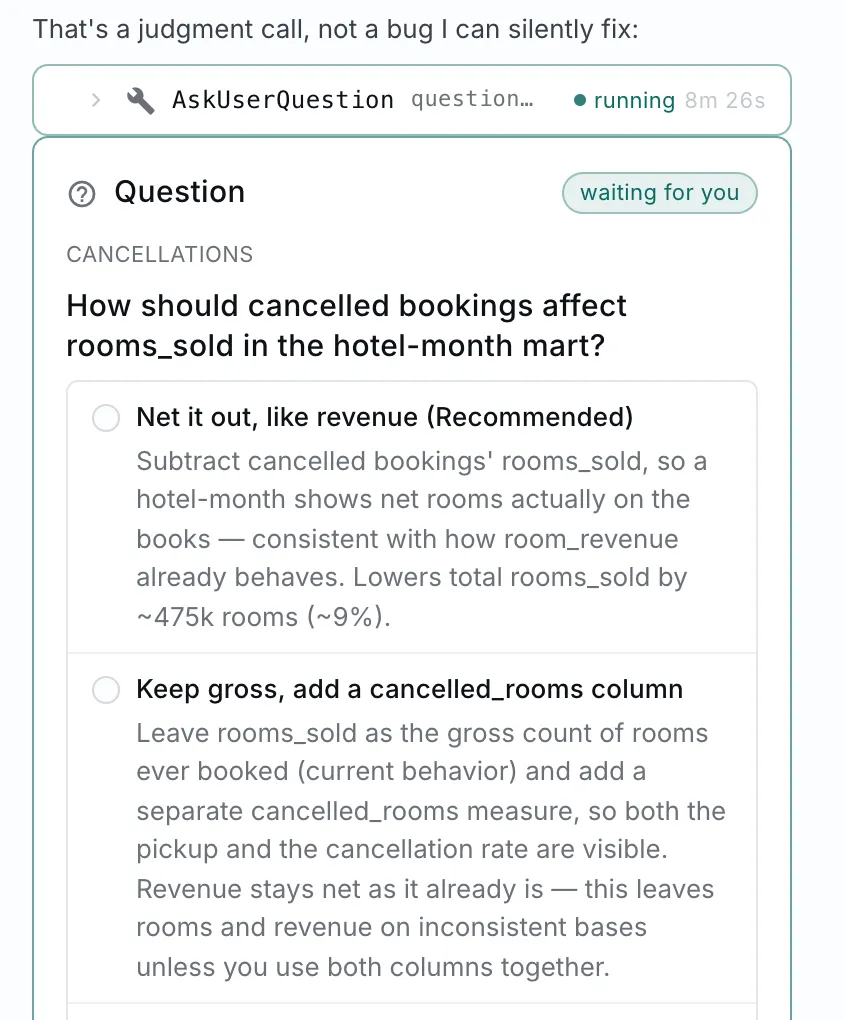
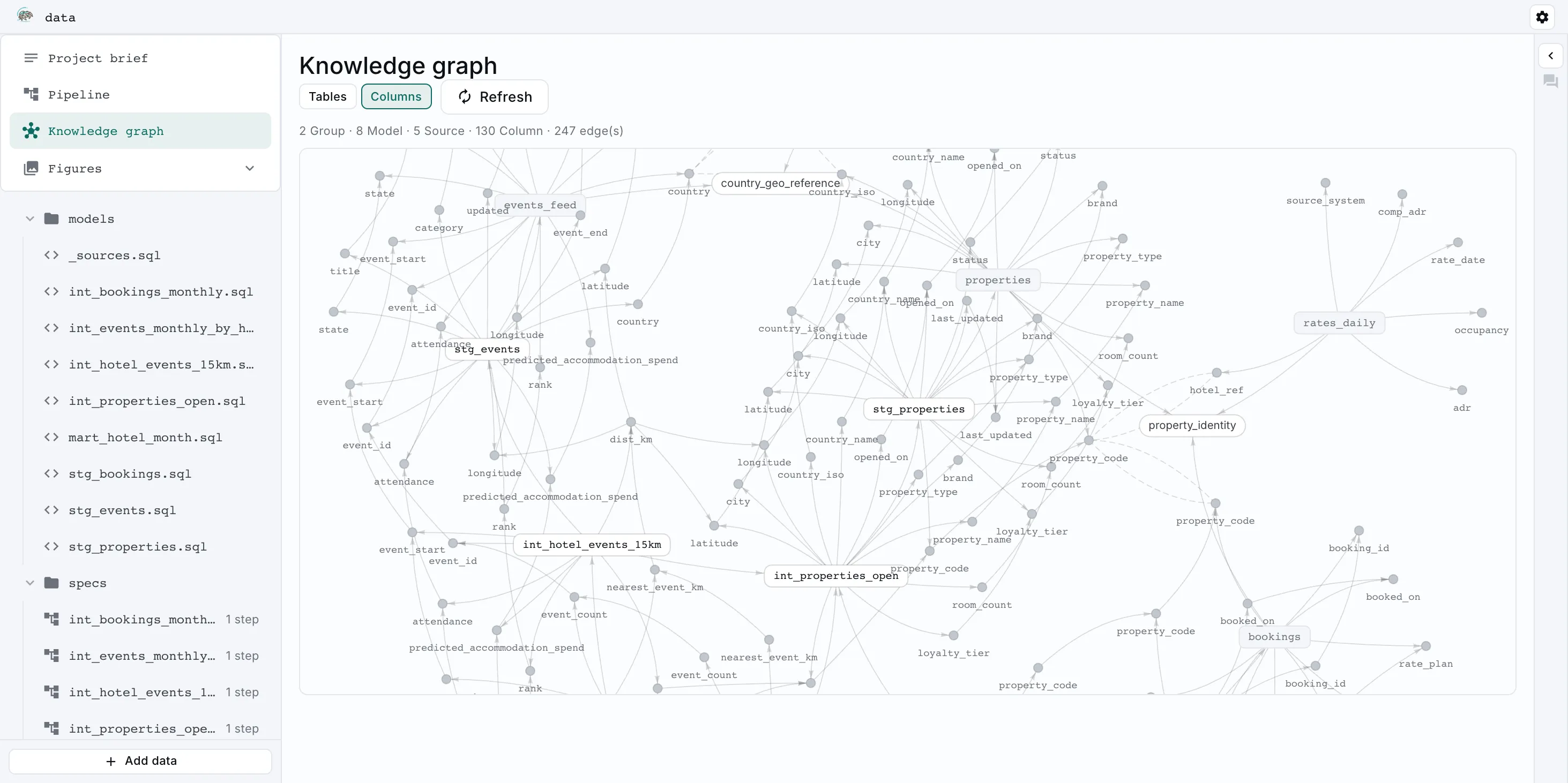
It measures, it builds, and it remembers.
How it works
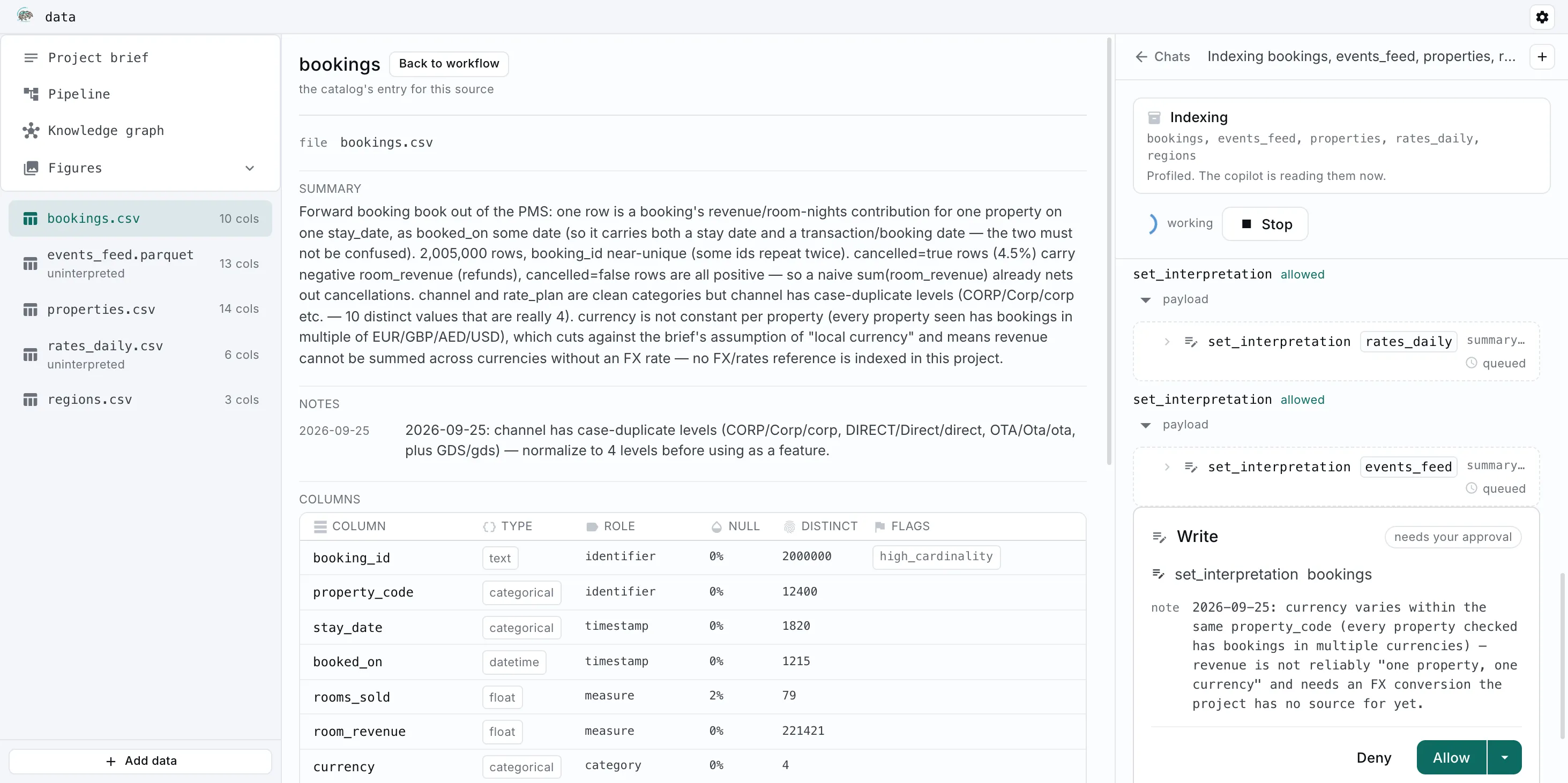
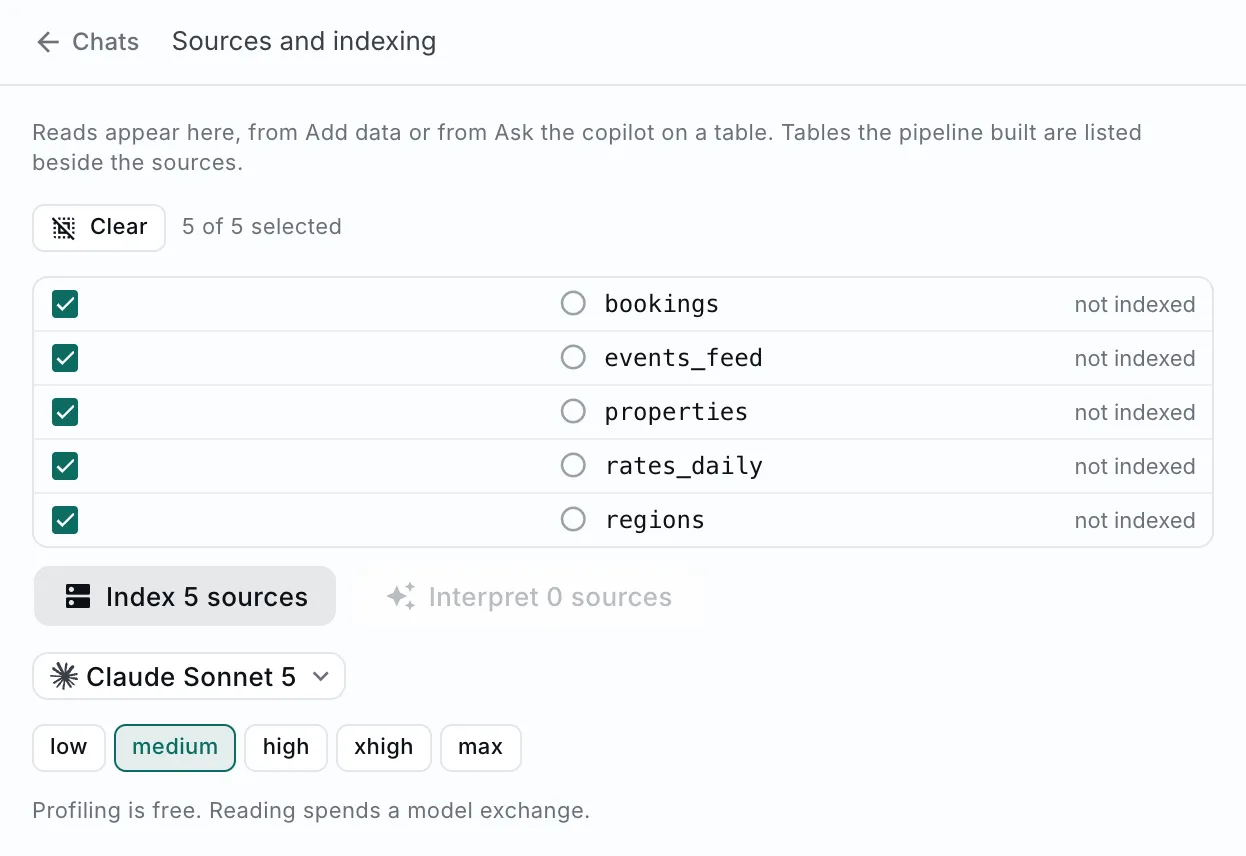
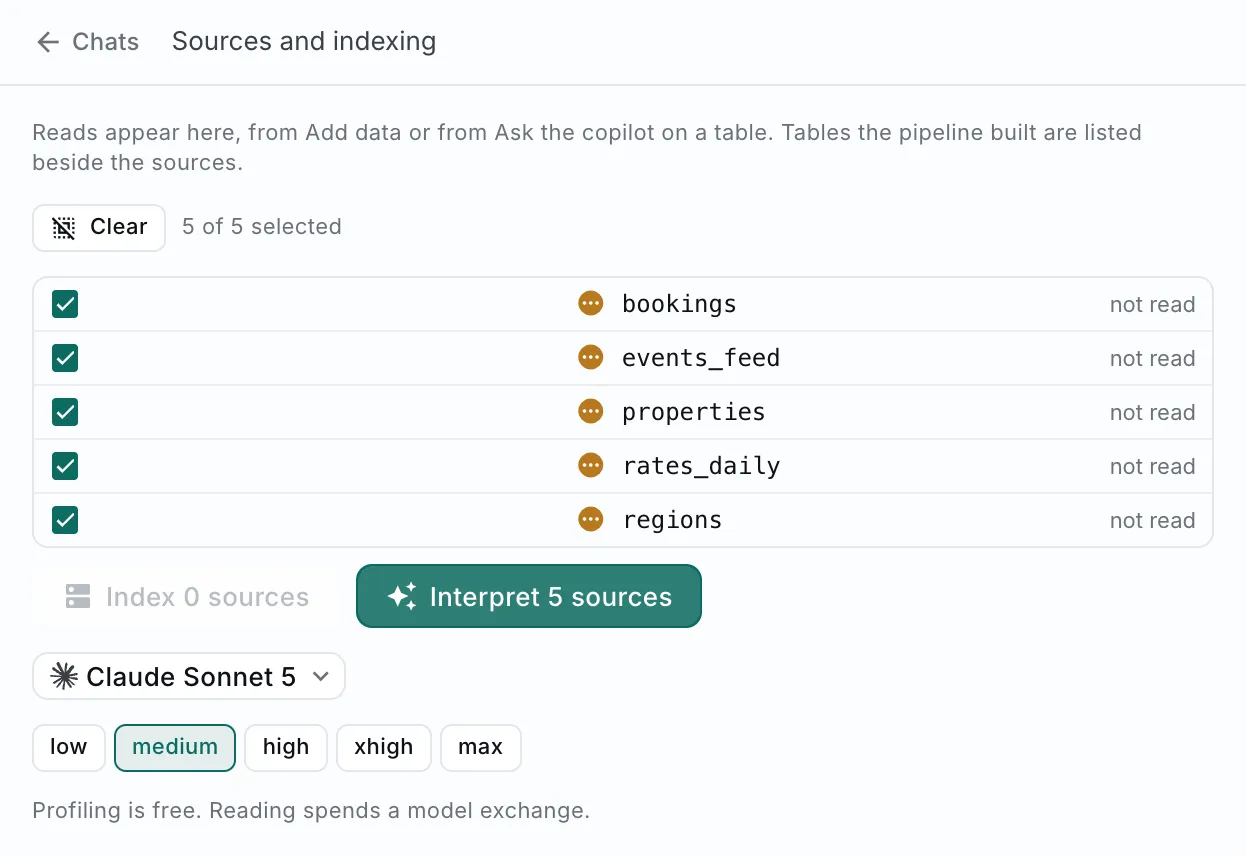
It reads your data. All of it.
Not by scrolling through it. By asking it questions, and remembering the answers.
- 01
Everything is measured.
Every fact it works from is one it went and got. Nothing is inferred from a sample.
- 02
No hallucinations.
Each step of the pipeline stands on something measured. Nothing is invented along the way.
- 03
Everything is remembered.
Everything it learns joins what it already knows. The tenth question is easier than the first.
Wherever your data is
It runs where your data already lives.
The warehouse the team administers, and the file somebody sent you on Friday. Neither one has to be moved, reshaped or loaded anywhere first.
- Snowflake
- BigQuery
- Databricks soon
- AWS soon
- Azure soon
- Spark soon
- Trino soon
Or whatever is already on your machine
- Postgres
- DuckDB
- ClickHouse soon
- MySQL soon
- SQLite soon
- Sheets soon
Nothing gets copied. No extract, no staging table, no second version to keep in sync.
Size is not your problem. A table too big to open is one portia still knows.
Whichever model you trust
Any model. Including the one on your laptop.
The model never sees your rows, only what the measurements came back with. Which is why you do not need the biggest one.
- Anthropic
- OpenAI
- Gemini soon
- Mistral
- Llama
- DeepSeek
- Qwen
- xAI soon
- Cohere soon
- Groq soon
- Bedrock soon
- Vertex AI soon
- OpenRouter soon
- Together soon
Or entirely on your own hardware
- Ollama
- LM Studio soon
- vLLM soon
- Hugging Face
Bring your own. The provider you already pay for, or none at all.
Small models are enough. The context does the work, so your bill stays small too.
Install
It's early. Come and break it.
Free and open source. It runs on your machine, against your data.
git clone https://github.com/Jad1908/portia.gitcd portiauv sync --extra ui --extra agent --extra graphuv run python -m portia.ui
Needs Python 3.11 and uv. Read the README
Install portia for me by following https://github.com/Jad1908/portia/blob/main/INSTALL.md
Paste it into Claude Code, Codex or any agent that can run commands. Read INSTALL.md
Not ready to install it yet? Leave an address. You hear from portia when there is a new version, and at no other time.
Questions